Being a good neighbour · 5 min read
Doorbell camera privacy: what to capture and what to keep to yourself
A doorbell camera is one of the most neighbourly bits of tech you can own — and one of the easiest to point in a way that quietly bothers people. The difference is almost entirely in the setup. Aimed thoughtfully, your camera watches your own door and a useful slice of the street, and nobody minds. Aimed carelessly, it stares into a neighbour’s living room, and it becomes the thing people grumble about over the fence. This is a calm guide to landing on the right side of that line.
The goal isn’t to record less for its own sake. It’s to capture what actually helps — your property and the public space around it — while keeping other people’s private lives out of frame. That way your camera is genuinely useful to the street and welcome on it.
What’s worth capturing
The useful field of view for a doorbell camera is narrower than people assume. You want:
- Your own entrance and porch — parcels, visitors, your door.
- The path and approach to your home, where anyone coming to your property has to pass.
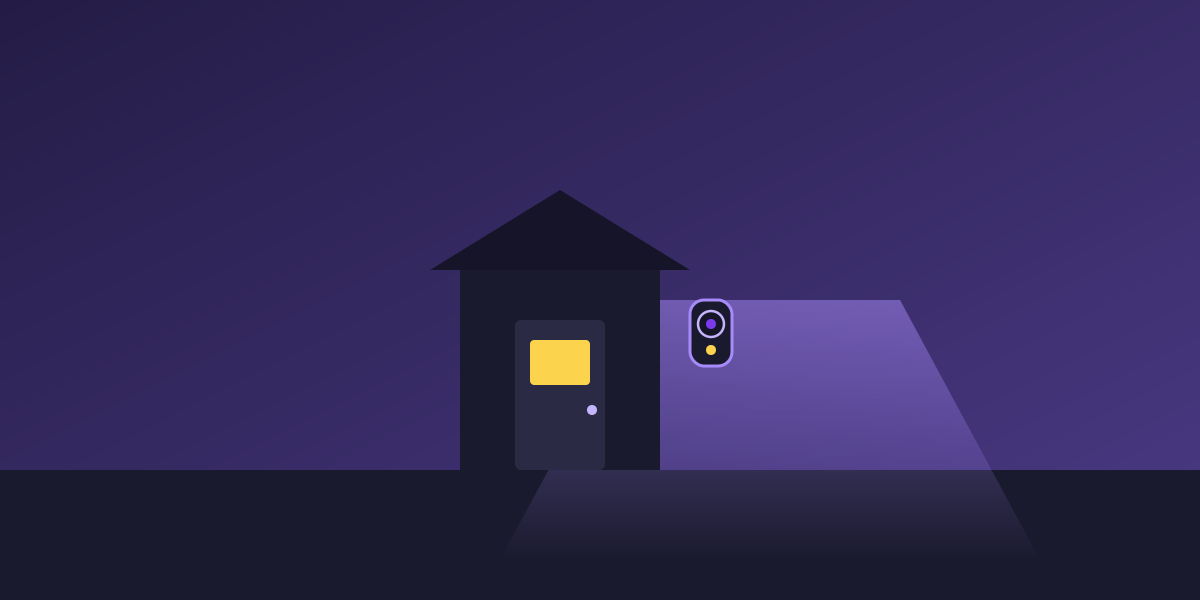
- A slice of the public footpath and street edge — enough to be useful if a neighbour asks about the road, without dominating the frame.
That combination protects your place and gives you something worth sharing when the street needs it — which is exactly the coverage that lets your camera quietly help the whole street without you doing anything special.
What’s better kept out of frame
A few things are worth actively steering away from, because they cause friction and rarely add value:
- The inside of a neighbour’s home — windows, doorways, living spaces. This is the number-one source of doorbell-camera complaints.
- A neighbour’s private yard or entrance filling your frame. A sliver where fences meet is normal; a full view of their back deck isn’t.
- Continuous close-up audio of the public path, where you’d be recording strangers’ conversations. Many cameras let you narrow or disable audio — consider it.
Setting it up considerately
A few minutes of thought at install time saves a lot of awkwardness later:
- Angle down and toward your own property, not level across into others’ homes.
- Use privacy or activity zones if your camera offers them — mask out a neighbour’s window so it’s never recorded, even by accident.
- Where local rules or good manners suggest it, a small “camera in use” note near the door is a courteous heads-up. It also tends to reassure honest visitors rather than alarm them.
- Mention it to close neighbours. “I’ve put a doorbell cam on my door — it faces my own path” is a thirty-second conversation that prevents months of side-eye.
Rules about recording, especially audio and anything reaching beyond your boundary, vary by state and change over time, so it’s worth a quick check of your local guidance. But the neighbourly version is usually simpler than the legal one: point it at your place and the public space, not into anyone’s home.
What to do with the footage you keep
Privacy isn’t only about where the camera points — it’s also about what happens to the recordings afterwards. A camera that captures sensibly can still overshare if the footage is left lying around or handed out loosely. A few calm habits keep the whole thing tidy:
- Don’t hoard footage forever. Most systems let you keep only a rolling window — a few days or weeks is plenty for the day-to-day, and it means old recordings of ordinary comings and goings don’t pile up.
- Keep access to your recordings to your own household. Your camera’s feed isn’t neighbourhood property, and it isn’t a group-chat resource.
- Only export a clip when there’s a real reason — a genuine incident, or a specific request tied to one.
- When you do share, send the one relevant clip, not a folder of everything “just in case.”
None of this is onerous. It just means the footage you capture stays quietly in the background, used only when it’s actually needed — which is exactly how a considerate camera should behave.
A worked example
Imagine setting up a new doorbell camera on a typical suburban street. Out of the box it’s aimed straight ahead — and the preview shows it looking clean across into the front window of the house opposite. Useful for you? Not really. Comfortable for them? Not at all. You tilt it down and rotate it slightly toward your own path. Now the frame is your porch, your approach, and a strip of footpath and road. You add a privacy zone over the corner where the neighbour’s driveway clips in. Same camera, same protection for your parcels — but nothing anyone could reasonably object to, and a view that’d genuinely help if someone down the street ever asked about the road.
Why considerate setup makes you a better neighbour
A well-aimed camera does double duty. It looks after your own home, and it makes you someone the street is glad has a camera — because they know it watches the public space, not their private lives. When a footage request comes, you can help with a clear conscience: your clip shows the street, not a peek into anyone’s window. Privacy-respecting and helpful turn out to be the same setup. And when you do share, keeping to the clip that helps without oversharing finishes the job.
None of this is about recording less than you need. It’s about recording the right things well — so your camera protects your home, helps your neighbours, and never becomes the thing people whisper about. That’s a camera doing exactly what it should.
The nice surprise is that the considerate setup is also the low-maintenance one. A camera aimed at your own property and the public street rarely triggers awkward conversations, rarely needs re-aiming, and rarely leaves you wondering whether you’ve overstepped. You set it up thoughtfully once, and from then on it just quietly does its job — looking after your door, ready to help the street, and welcome on it.
How Pryer helps your street
Pryer fits a considerately-aimed camera perfectly. Because you only share a specific clip when a neighbour asks about a real incident at a set place and time, a camera pointed at your own property and the public street is all you ever need — you contribute in one tap, free, and never expose a live feed.
It reflects the same principle the whole app runs on: watch places, not people. A privacy-respecting setup and a neighbourly one are the same thing, and Pryer is built so helping never asks you to cross that line.
Set your camera up to help the calm way →